|
This article is one of more than 170 articles on digital imaging provided free by Image Science. Read about How You Can Support Image Science. |
| Buying Guide to Eizo Monitors |
|
Article Details
Last Updated 23rd of January, 2013
|
|
Thank you for rating this answer.
|
Here's a quick breakdown of the Eizo monitor range:
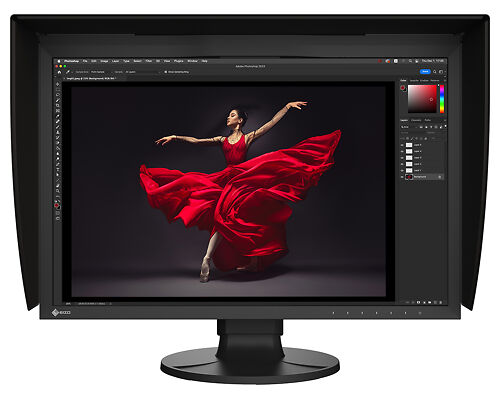
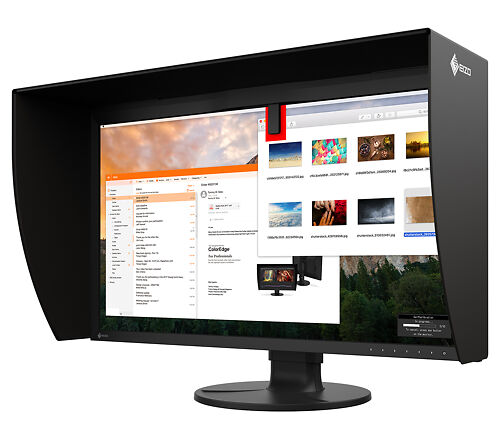
- ColorEdge Models offer the most advanced features, best quality, and most comprehensive warranty and support. These models all include direct hardware calibration if you own/buy a compatible monitor calibrator (with many models now having a built in calibration sensor!). Direct hardware calibration is both the highest quality AND the easiest way to calibrate a monitor. These monitors can also do very sophisticated things no other LCD monitors can do, such as calibrating to specific contrast ratios to match papers. ColorEdge monitors are quite simply the best monitors available in the world today when you consider the total package of features, support and (critically) ease of use.
The ColorEdge range is now broken into three levels -
CG (Best of the best, wide gamut monitors sold as complete packages and with most models having integrated full calibrators)
CX (Wide gamut like the CGs but with built in simpler correction sensors (so you still need an external sensor periodically for calibration), and some of the accessories sold seperately)
CS (Siliamr to the CX models, but standard rather than wide gamut)
- Flexscan Premium Monitors offer most of the features and most of the quality of the ColorEdge line of monitors, but do not offer direct hardware calibration. You can still use traditional 'software calibration with a hardware device', such as the Eye One Display or Spyder calibrators, and achieve superb results.
- Flexscan monitors are the entry level Eizo monitors - these monitors still offer very high quality panels and extensive calibration controls, but they do not have advanced features like wide gamut support or dynamic uniformity enhancement - they are however still a huge leap forward in colour terms over other panel brands like Apple/Dell etc.
- Foris multimedia monitors - these offer a great new entrey level option from Eizo, making perfect starter monitors for colour accurate use.
This brief guide is intended to identify the key differences between the different technologies available in the various Eizo monitors, so you can make the best choice for your needs. If you have any further questions, please do not hesitate to get in touch!
We have a much more comprehensive guide to buying a monitor for imaging work.
|