Monitor Calibration Devices
Colourimeters
A monitor calibration device is the single most important part of achieving a colour accurate workflow. While there are a million wrong ways to try and achieve consistent and accurate colour in the digital imaging process, a hardware calibration device is the simple, affordable, and accurate way of skipping all the mistakes, mucking around, and expense associated with ad hoc 'twiddle this to make that match' type solutions.
If you're not working on a calibrated monitor, you simply can not expect consistent and accurate results, either from your own printing or from a lab. There is simply no way you can conclude, for example, that a print is 'too magenta', if it is very much possible your monitor is not displaying colour accurately.
There are now options ranging from just $155 through to about $500. Any one of them is significantly better than no calibration or 'eye based calibration'.
Jump To:
- What will a monitor calibrator do for me?
- How often will I use it?
- This only does monitors - what about my prints?
- Professional level monitor calibrators
- An excellent budget option for beginners
What will a monitor calibrator do for me?
A monitor calibrator actually works in two stages.
The first stage is calibration - using the physical controls on your monitor, you set your monitor into the best possible state for digital imaging. This means setting it as close as possible to a known standard (usually, a white point of 6500 Kelvin and gamma of 2.2, with a brightness (luminosity) appropriate for your working conditions).
Once calibrated, the system profiles the calibrated state of your monitor. A series of colours are displayed on your screen and read in by the monitor calibration device. A table is created that lists the colours your monitor should have displayed versus the colours your monitor did display. This table is then installed into your computer's video card, and used to modify the video cards signal from that point on - so the results is colour that compensates for the innacuracies of your display.
The final results is a screen in its best possible state for digital imaging work.
The profile is also used by Photoshop (and other ICC colour management savvy applications), to display images with clinical accuracy on your system. Having images displayed with accuracy on your screen is the first step in developing a system you can trust and use to get professional quality results. If your monitor is properly calibrated and you deliver a digital file to a lab, and the print comes back poorly done, you can definitively tell the lab that the fault was theirs. You will be able to make fine adjustments to files, with changes of as little as 1% in colour tone easily visible and accurately reflected. You will be able to work with a new found level of precision and confidence.
(More about calibration versus profiling)
How often will I use it?
Professional Photographers calibrate at least once a month and before any major cash generating job. The average home use will find that every 4 to 8 weeks is sufficient (varies depending on the age and quality of the monitor). The process takes less than 10 minutes. Basically, monitors (both LCDs and CRTs) do drift over time. You should let the monitor warm up for half an hour before calibration, as there are usually big colour changes in the first few minutes of using a monitor. If your monitor is older or brand new, then calibration will need to be done more frequently.
Ok the monitor is sorted, what about prints?
If you are doing your own printing:
The final stage in achieving a colour accurate workflow is to have high quality custom printer profiles made for your printer and your favourite papers. You can add two custom printer profiles to the purchase of any monitor calibrator for just $110. Just ask for the Colour Solution Package.
Alternatively, you can consider a complete workflow calibration option based around a spectrophotometer. This gives you complete control but brings with it a much higher price tag and greater complexity.
If you have your prints done by a lab:
You should find you get back excellent, accurate prints from your lab at this stage, if your lab is good.
If not, we recommend you change to a lab that has colour management at the heart of its processes. Unfortunately, a lot of labs talk the talk but do not walk the walk. A good sign is if they offer ICC profiles available for easy download off their website (just like this!).
We'll get in trouble if we recommend/don't recommend any particular lab here but you're welcome to get in touch and ask us for advice. Between our own experience, and that related to us by over 3000 clients, we have a pretty good idea of which labs offer high quality results and which don't.
You might also like to consider our own fine art printing service, which of course uses high quality colour management.
Professional Monitor Calibrators
Fortunately it's very hard to go wrong with monitor calibrators these days - all the devices we carry are now accurate and easy to use.
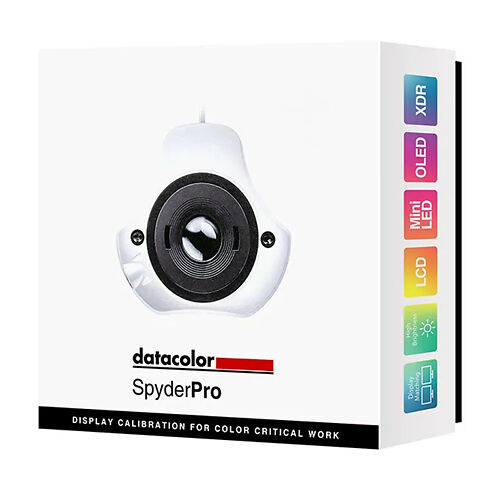
The Spyder3 Elite ($475) is the newest and probably most advanced monitor calibration device available on the market today. It features a number of hardware advancements over previous units and in our testing has proven to be an excellent calibration device with some very useful advanced options if you're very interested in colour control (such as L-star* curves). It is the only device that also supports front projector calibration and the 64 bit versions of Windows XP and Vista.
For most users, the Spyder3 Pro is significantly cheaper and will offer all the options a typical working photographer will need. At $295 it is extremely good value and hard to argue against.
You can compare Spyder products here [opens in a new window].
The Eye One Display 2 ($399) has over several years proven itself easy to use, accurate and reliable - exactly what you want in a calibrator. It's pretty much the industry standard device and the one most labs are calibrating with. The Eye One Display 2 is also almost universally compatible with aftermarket calibration software for both monitors and TVs, so if you can imagine you colour management needs growing, then the Eye One Display 2 is a very good option.
The Best budget option - Spyder2Express
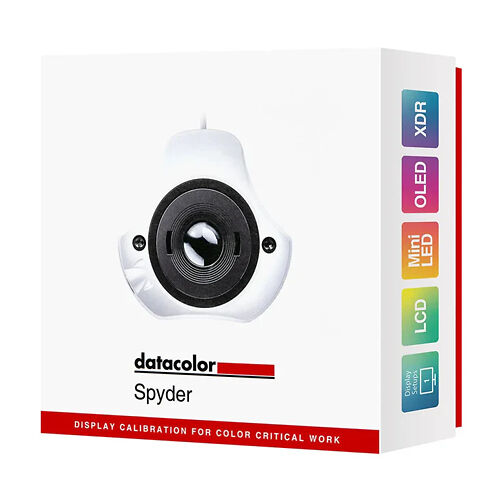
The ColorVision Spyder2 system has come along way in recent years with numerous upgrades. It now offers a very affordable colour management system - Starting at just $155 it's hard to beat!
It absolutely trounces the other budget options (the huey & huey pro) in terms of accuracy and reliability - it is slightly slower to use, but the quality is well worth the extra time.
Full information about the Spyder2 System